Making settings in the [Nozzle Changer Setup] tab is necessary if the nozzles in the machine do not match the nozzles currently in this tab or if different nozzles are to be used during production. 1. Select the [Top] or [Bottom] tab from the job information bar depending on which side of the panel the […]
Category Archives: SMT Machines MRO
24
May
May
Making settings in the [Nozzle Changer Setup] tab is necessary if the nozzles in the machine do not match the nozzles currently in this tab or if different nozzles are to be used during production. 1. Select the [Top] or [Bottom] tab from the job information bar depending on which side of the panel the […]
23
May
May
Making settings in the [Head Setup] tab is not normally necessary. The head setup will be automatically reconfigured based upon the nozzles in the nozzle changer during optimization. 1. Select the [Top] or [Bottom] tab from the job information bar depending on which side of the panel the machine is located for which the configuration […]
22
May
May
Data about the processing of the job for the NXT machine must be entered. When a machine with a certain name is added for the first time, the default process options are used. This data must be checked and edited if it is not the correct processing options for that machine. 1. Select the [Top] […]
13
May
May
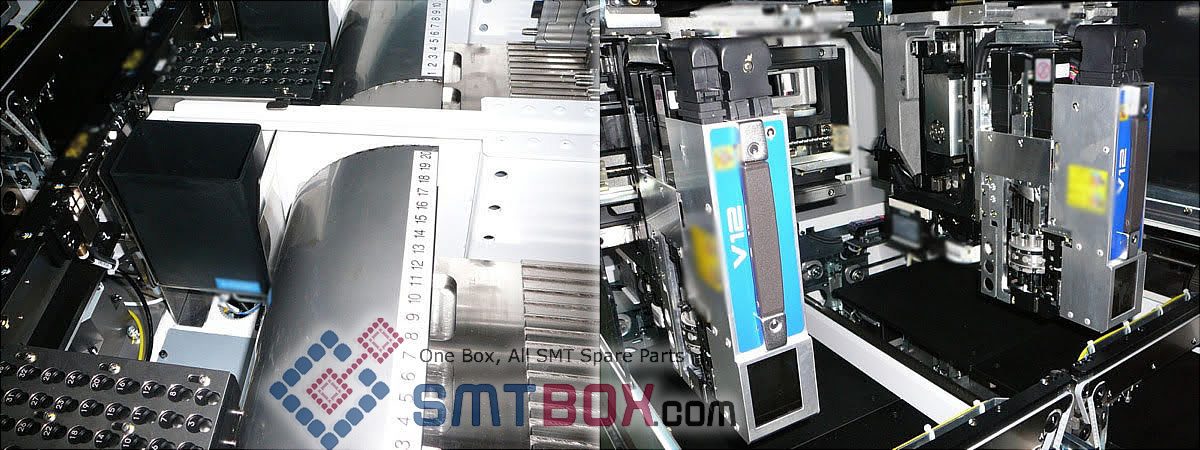
Specifying the modules for an NXT After adding the NXT line, it is very important to configure the modules to match the modules in the current machine. Since items and modules are easily interchanged, always be sure to check the current module configuration. 1. Select the [Top] or [Bottom] tab from the job information bar […]
10
May
May
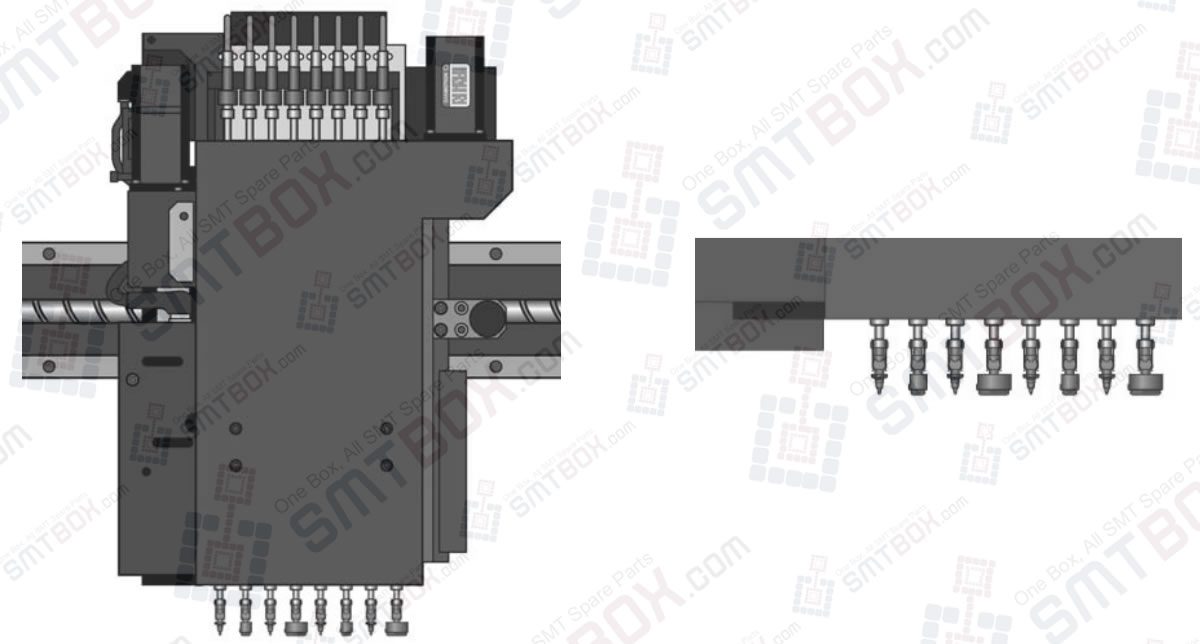
1. Select the [Top] or [Bottom] tab from the job information bar depending on the side of the panel the machine data to be edited is located. 2. Double-click the name of the line to display the machines in that line. 3. Double-click the name of the machine to display the items for that machine. […]
09
May
May
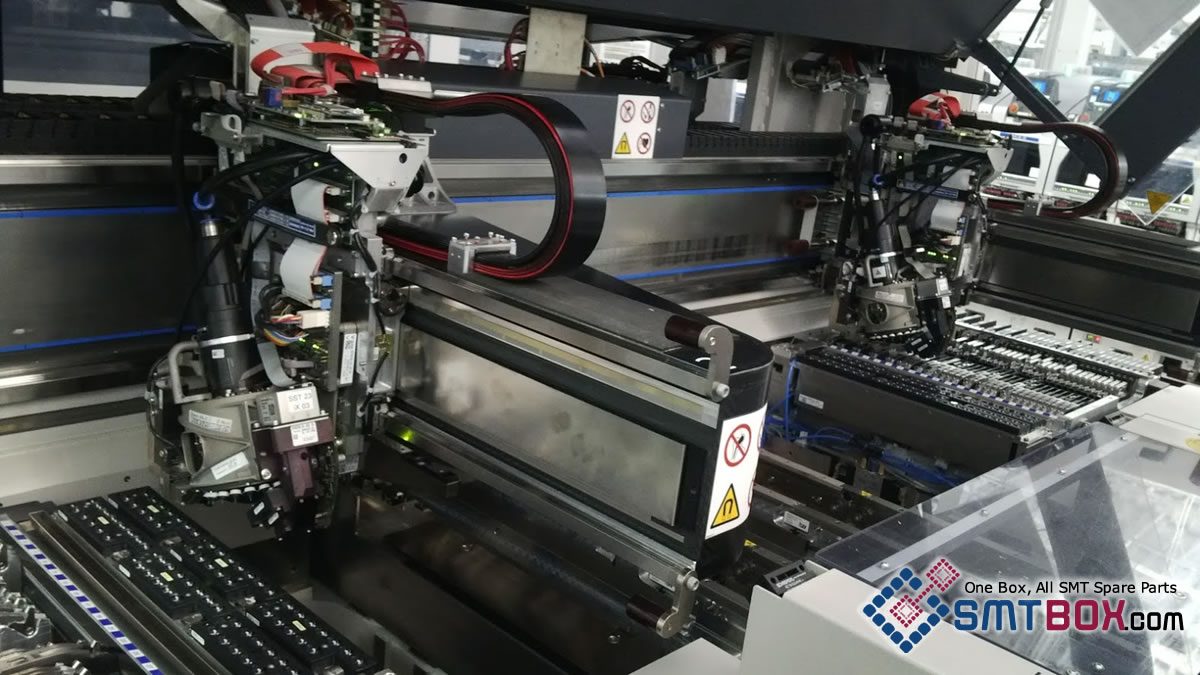
The MG-1R features a high precision single placement beam which carries 8 independent Z-servo heads and two rotation motors, controlling 8 high precision heads with exchangeable nozzles. A separate camera system is attached that monitors fiducial marks at the board, circuit and component level, using white + IR light LEDs and multi-angle diffusers to provide […]
06
May
May
1. Component opportunities (OC) All parts that need to be assembled on board (incl. PCB) Every part counts for one defect opportunity Defect example: damaged parts Component defects: Base material damage Bent lead Birdcaged wire Blisters, mealing, peeling Board warped or bowed Cable made wrong Circuitry damaged Connector damaged Gold not removed Improper stress relief […]
02
May
May
Data about the configuration of the NXT must be entered. When an NXT machine with a certain name is added for the first time, the default information is used. This data must be checked and edited if it does not match the actual machine with that name. Entering NXT configuration data 1. Select the [Top] […]

01
May
May
It is easy to add any current line to a job. This step is required with making new jobs for the NXT. When adding the line, a line that has been previously setup for transmission is used. This makes adding lines easier and more error free, because the basic NXT data already exists and the […]