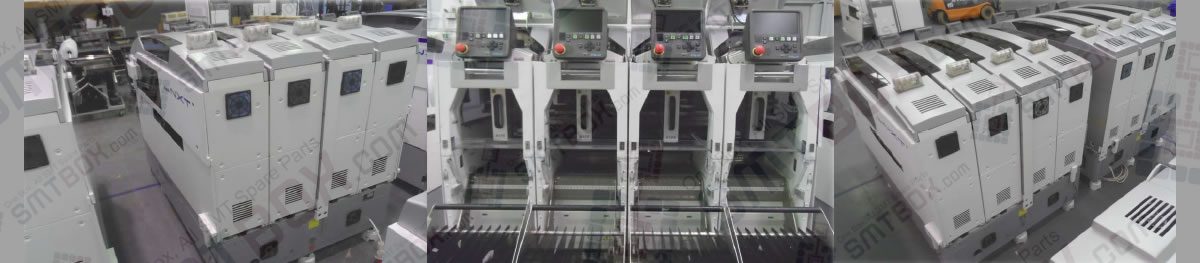
Follow the steps below to change the setting on the NXT machine to work with the Fujitrax Verifier system. 1. Double-click the [Internet Explorer] icon on the desktop. 2. Enter the address (URL) “http:///fujiweb” and then press Enter. If the server computer is located and the server is running, a loading page displays. Once the… Continue reading about 8.2.3 Setting the NXT Fujitrax Configuration Settings For 8.2 Required Items Of 8. Fujitrax Verifier on FUJI NXT
Category Archives: SMT Machines MRO
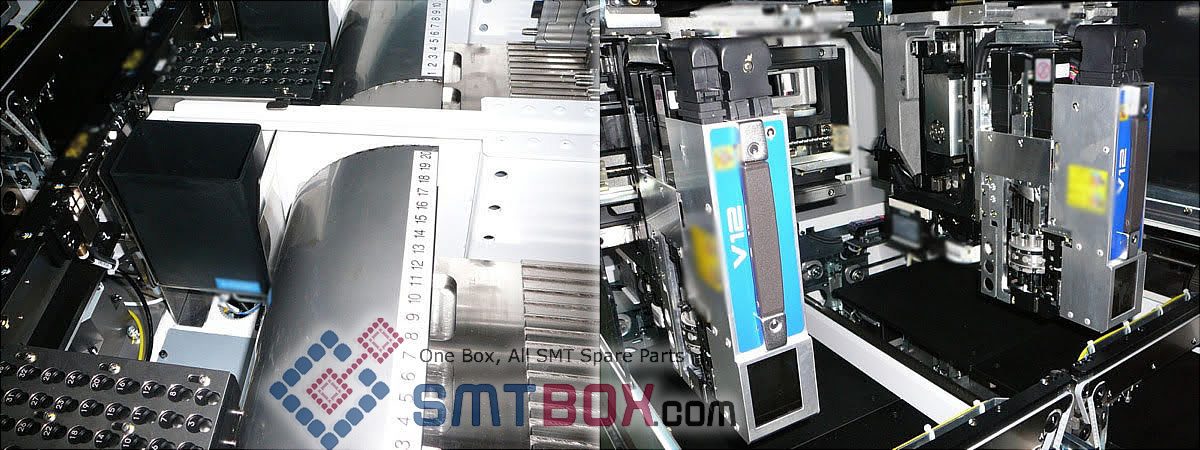
Follow the steps below when adding the NXT to the Fujitrax Verifier line configuration. 1. Open the Kit Line Configuration program by using the shortcut in the start up menu. 2. Enter “FUJIADMIN” as the user ID and then enter the appropriate password and service name for the master database. 3. Click [OK] and the… Continue reading about 8.2.2 Adding The Nxt To The Fujitrax Line Configuration For 8.2 Required Items Of 8. Fujitrax Verifier on FUJI NXT
The Central Server requires no special installation steps when installing the Kit Server. This software is automatically installed when a compatible Kit Server version is installed on a computer. In addition, this software should always be running whenever the computer is on because it is a service. A few configuration settings must be specified. 1…. Continue reading about 8.2.1 Installing And Setting Up The Central Server For 8.2 Required Items Of 8. Fujitrax Verifier on FUJI NXT
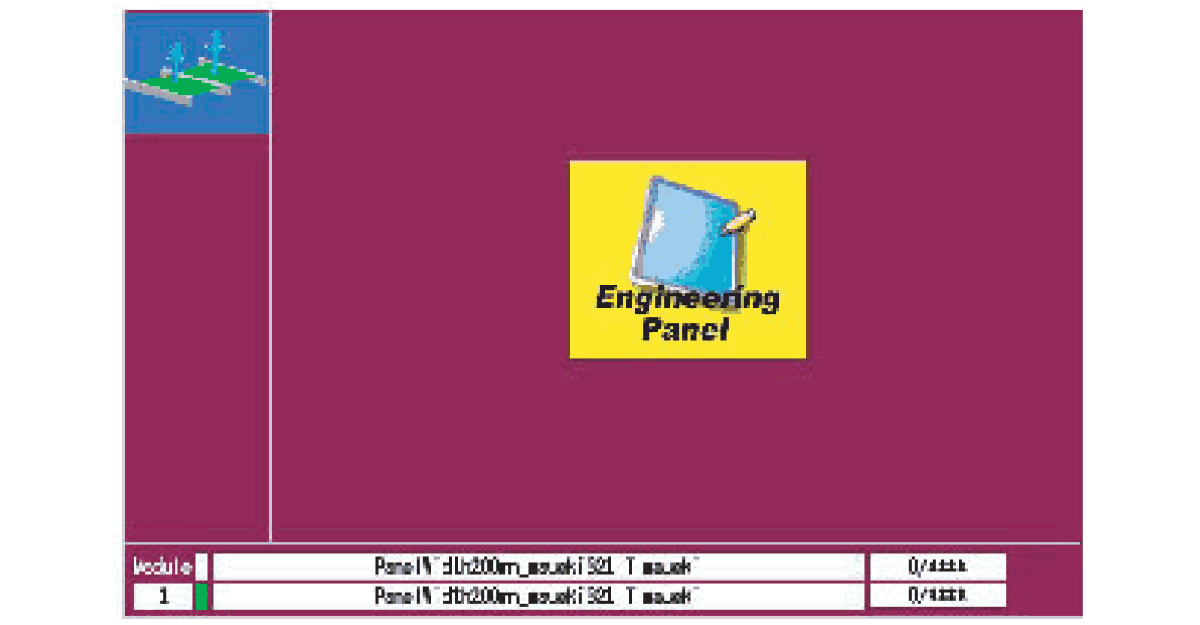
(1) In order to use Fujitrax Verifier with the NXT, there are several required items. (1-1) Fujitrax Verifier Central Server must be installed and running on the computer with the Kit Server. (1-2) The NXT must be added to the line configuration for the computer with the Kit Server. (1-3) The NXT Fujitrax configuration setting… Continue reading about 8.2 Required Items Of 8. Fujitrax Verifier on FUJI NXT
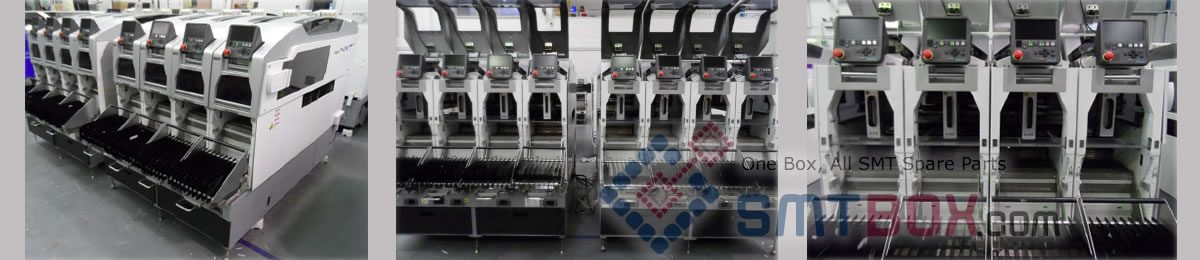
Fujitrax Verifier is used to perform two main functions. The first main function is feeder/part verification. The other major function is parts management. There are many other functions available through Fujitrax Verifier, however these will not be covered in this manual because they are not different for the NXT machine. For information on these functions… Continue reading about 8.1 Introduction Of 8. Fujitrax Verifier on FUJI NXT
FUJI NXT is designed to support Fujitrax Verifier functionality with no special hardware modifications being required. This allows the extra protection provided by Fujitrax Verifier to be added to the factory with a minimum of fuss and trouble while providing a high level of feeder verification and potential to reduce downtime. There are two main… Continue reading about 7.1 Introduction Of 7. Fujitrax And The NXT FUJI
It is possible to test the skip mark data in a job for board skip marks and global skip marks. It is important to test the data because the skip mark read level that is used to determine if a skip mark is present or not must be manually set. Due to color and reflective… Continue reading about 6.7 Testing Skip Mark Data In The Job Of 6. Editing Jobs on the Machine on FUJI NXT
When performing a pickup test, it is necessary to index the parts because the test does not automatically index them and there are certain cases in which indexing must be performed a certain number of times, depending on the feeder. The feed count list is shown below. Index count based upon feeder type and pitch… Continue reading about 6.6.4 Feeder Index Count And Tape Return Method For Pickup Tests For 6.6 Testing Pickup Positions (NXT V3.20 and higher) Of 6. Editing Jobs on the Machine on FUJI NXT
Use this to check and edit the pitch, X-, Y-, and Z-positions for picking parts in feeders. Starting the pickup test. 1. Transmit the job with the pickup positions to be tested to the machine and wait for the main screen to display on all of the operation panels for the modules. 2. Start MEdit… Continue reading about 6.6.3 Testing Pickup Positions In A Tray For 6.6 Testing Pickup Positions (NXT V3.20 and higher) Of 6. Editing Jobs on the Machine on FUJI NXT
Use this to check and edit the X-, Y-, and Z-positions for picking parts in feeders. Starting the pickup test. 1. Transmit the job with the pickup position to be tested to the machine and wait for the main screen to display on all of the operation panels for the modules. 2. Start MEdit and… Continue reading about 6.6.2 Testing Pickup Positions In A Feeder For 6.6 Testing Pickup Positions (NXT V3.20 and higher) Of 6. Editing Jobs on the Machine on FUJI NXT