The pickup test function enables users to check and edit pickup positions in jobs on the machine prior to starting production. By doing this, pickup errors that occur during the beginning of production can be greatly reduced. There are two pickup items that can be tested. The pickup X- and Y-positions can be checked and… Continue reading about 6.6.1 Introduction of 6.6 Testing Pickup Positions (NXT V3.20 And Higher) On FUJI NXT
Category Archives: SMT Machines MRO
Use this mode to perform a check of the pickup data, vision data, carrying data, part types, placing data, actual placing conditions, and orientation. Starting place & check mode. 1. Transmit the job to be tested to the machine and wait for the main screen to display on all of the operation panels for the… Continue reading about 6.5.3 Testing A Job Using Place & Check Mode For 6.5 Testing Jobs (NXT V3.10 And Higher) Of 6. Editing Jobs On The Machine on FUJI NXT
Use this mode to perform a basic check of the part types, placing positions and orientation. Starting simulation mode. 1. Transmit the job to be tested to the machine and wait for the main screen to display on all of the operation panels for the modules. 2. Start MEdit and log on if necessary. 3…. Continue reading about 6.5.2 Testing A Job Using Simulation Mode For 6.5 Testing Jobs (NXT V3.10 And Higher) Of 6. Editing Jobs On The Machine on FUJI NXT
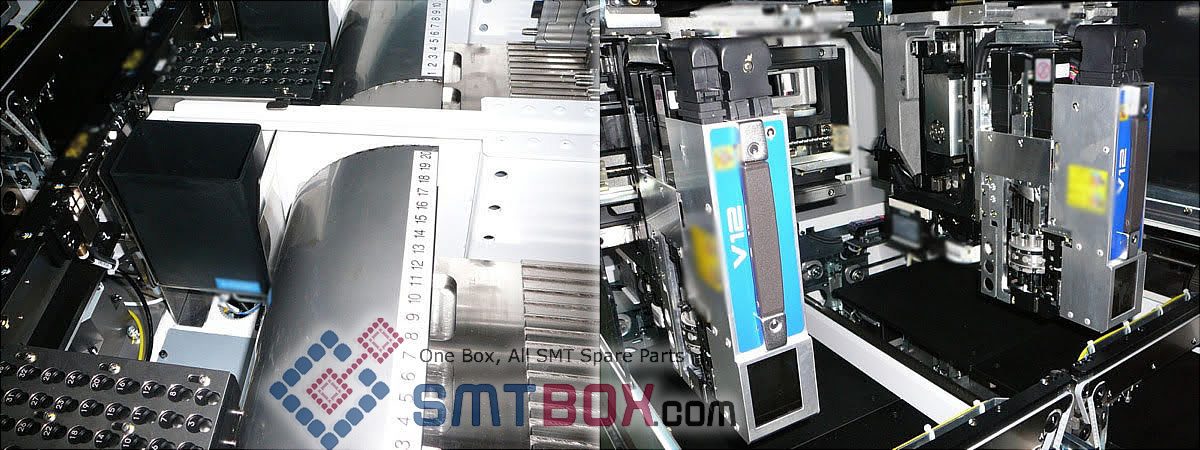
The job test function enables users to view and edit jobs on the machine prior to starting production. By doing this, errors that occur during the beginning of production for a new job can be greatly reduced. There are two job test modes and the items checked by each mode are different. Information about these… Continue reading about 6.5.1 Introduction For 6.5 Testing Jobs (Nxt V3.10 And Higher) Of 6. Editing Jobs On The Machine on FUJI NXT

By following the procedures below, the job in the global directory that matches the job that is currently in the machine is opened. When this is performed, changes made to the job can be sent to the machine as well as being saved in the global job. Note: It is possible to open the same… Continue reading about 6.4 Opening A Job That Is In The Machine Of 6. Editing Jobs on the Machine On FUJI NXT

The edited data was saved to the job in the global job directory by using the Update Shape Data command in VPDplus. In order to use this newly edited vision data at the machine, it must be sent to the machine. Use MEdit to open the current job for the module with the part and… Continue reading about 6.3.4 Sending Edited Vision Data Back To The Machine Of 6. Editing Jobs On The Machine On FUJI NXT
If VPDplus and VPDplus Launcher have been installed on the computer accessing the Accessory Software, then it is possible to open and edit the vision data for the part using VPDplus and then reflect any changes back to the job in the server. It is important to note the following two points. VPDplus must be… Continue reading about 6.3.3 Opening And Editing Vision Data Using Saved Images Of 6. Editing Jobs On The Machine On FUJI NXT
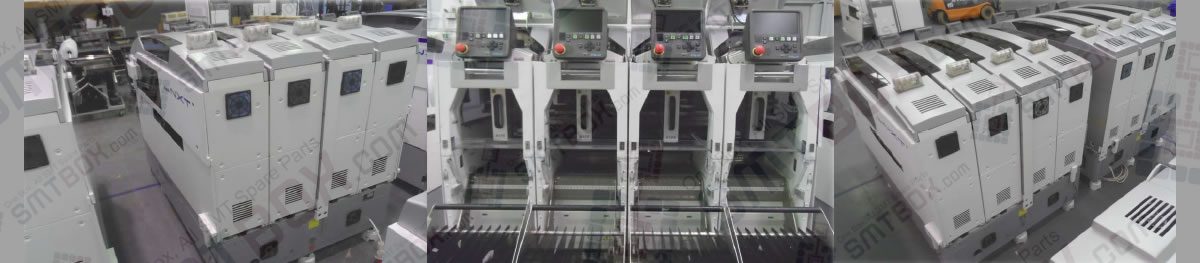
Once an error image has been sent to Accessory Software, it can be displayed in any client accessing Accessory Software. The details of the error and the image are displayed by following the procedures below. 1. From Floor Monitor, select the module from which to view error images and then click the vision processing error… Continue reading about 6.3.2 Viewing Saved Vision Error Images Of 6. Editing Jobs On The Machine On FUJI NXT
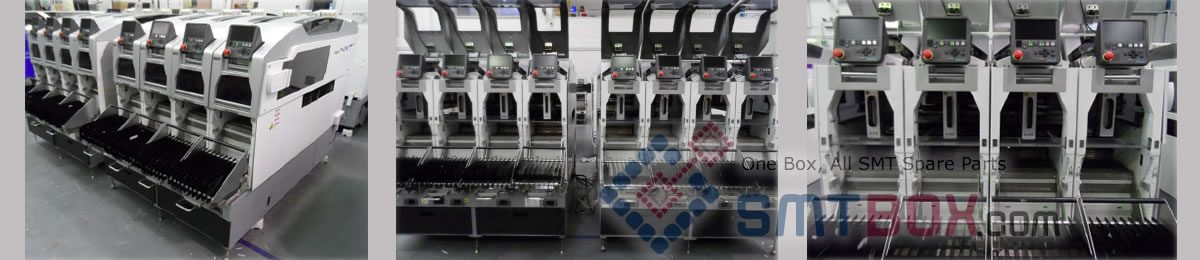
From NXT V2.81 and higher, it is possible to make settings that if a vision error occurs for a particular feeder position, then the vision error image will automatically be sent to the Accessory Software Server. In Accessory Software, the image can then be opened with VPDplus and used to check the error condtion and… Continue reading about 6.3 Correcting Vision Errors Sent From FUJI NXT
Use this function to skip using a holder for a head on a module. This function makes it possible to not use a specified holder in order to avoid using a holder at which frequent errors occur during production or for which air leakage or clogging problems prevent normal use. In addition, the holder skip… Continue reading about 6.2.3 Skipping Holders (NXT V3.00 And Higher) Of 6.2 Skipping Items On FUJI NXT