How To Select A P_Pattern Flowcharts on FUJI NXT?

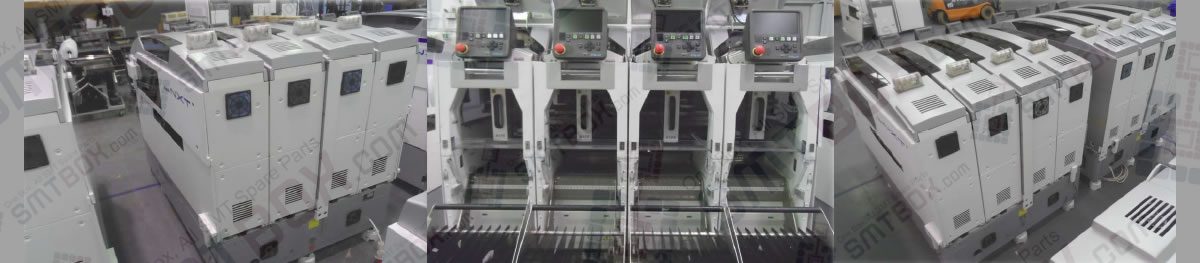
Fuji Nxt Scalable Placement Platform
Troubleshooting Summary:

Having issues with How To Select A P_Pattern Flowcharts on FUJI NXT?? Read our step-by-step SMT maintenance solution below. If you require replacement feeders, nozzles, or sensors, contact SMTBOX for OEM-compatible parts.

1. Selecting a p_pattern flowcharts for frontlight leaded parts
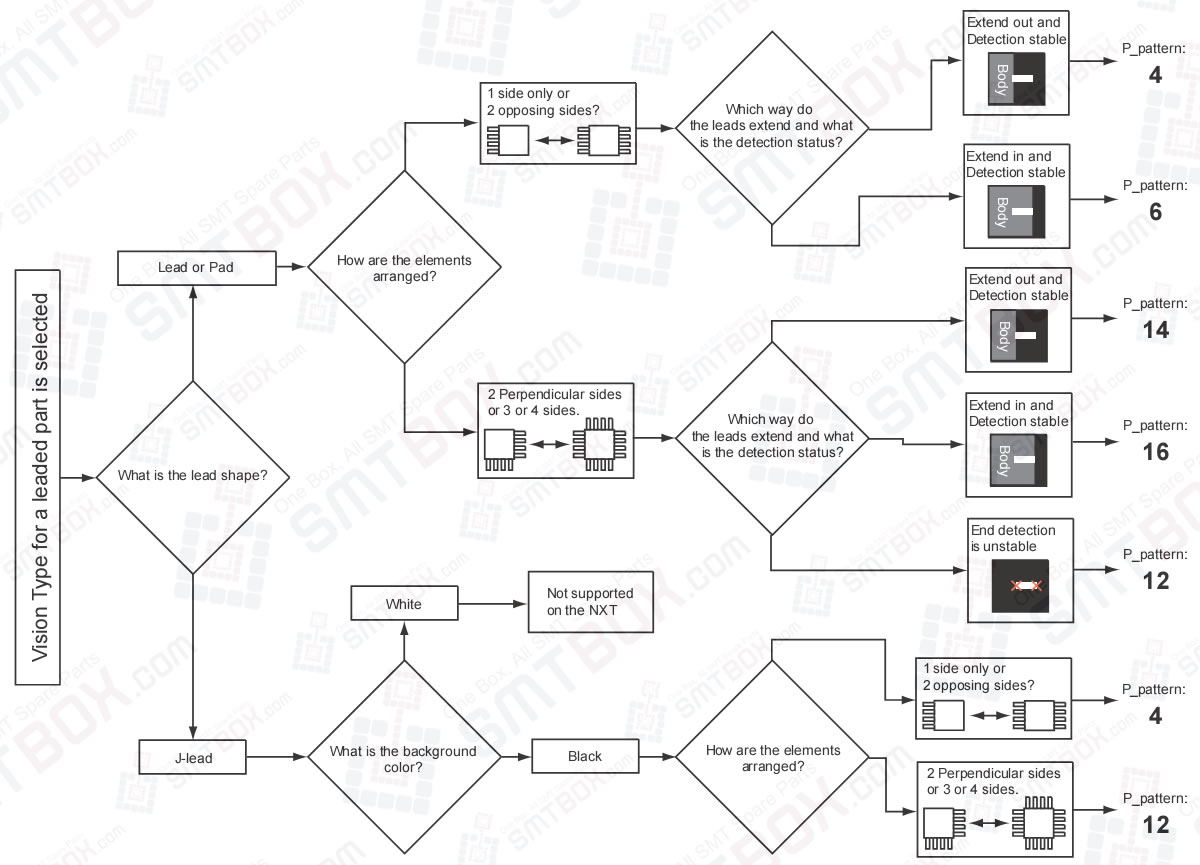
Selecting_A_P_Pattern_Flowcharts_For_Frontlight_Leaded_Parts_On_FUJI_NXT

2. Selecting a p_pattern flowcharts for frontlight bumped (ball leaded) or columned parts

Selecting A P Pattern Flowcharts For Frontlight Bumped Ball Leaded Or Columned Parts On FUJI NXT

3. Selecting a p_pattern flowcharts for backlight leaded parts (not supported by the NXT)

Selecting A P Pattern Flowcharts For Backlight Leaded Parts Not Supported By FUJI NXT

SMTBOX Editorial & Engineering Team
Written by: SMTBOX Editorial & Engineering Team

Our editorial team consists of senior SREs, mechanical engineers, and SMT assembly specialists with over 15 years of industry experience in PCB assembly line optimization. All technical articles are reviewed and verified for mechanical and electronic compatibility before publication.

SMTBOX Assistant
Search part numbers & models

SMTBOX Assistant

Hello! I'm your AI assistant. Tell me the machine model or part number you're looking for.
Your subscription could not be saved. Please try again.
Your subscription has been successful.
This site is protected by reCAPTCHA and the Google Privacy Policy and Terms of Service apply.